Transcripts and subtitles for every episode
Transcripts make episodes searchable, accessible and quotable; subtitles make videos watchable without sound. Transcribe makes both on your PC, including for episodes that are not public yet.
Why transcribe every episode
Found by search
A transcript on the episode page gives search engines and AI assistants the words they cannot hear.
Accessible
Deaf and hard-of-hearing listeners, and everyone with the sound off, can follow.
Quotable
Find the best lines for clips and posts by reading instead of scrubbing.
Show notes, faster
Write the summary and chapter list from the transcript, with the times.
An episode workflow
Import the final mix
Drop in the exported episode (MP3, WAV, M4A or the video file).
Label the voices
Speaker detection (Pro) separates host and guests; name them once and every line follows. Or set speakers by hand on the free plan.
Fix names and terms
Replace a guest's misheard name everywhere with Ctrl+H. With Pro, add recurring names and jargon as custom words.
Export twice
Plain text (or Word with Pro) for the episode page, SRT or VTT for the video. Subtitles step by step.
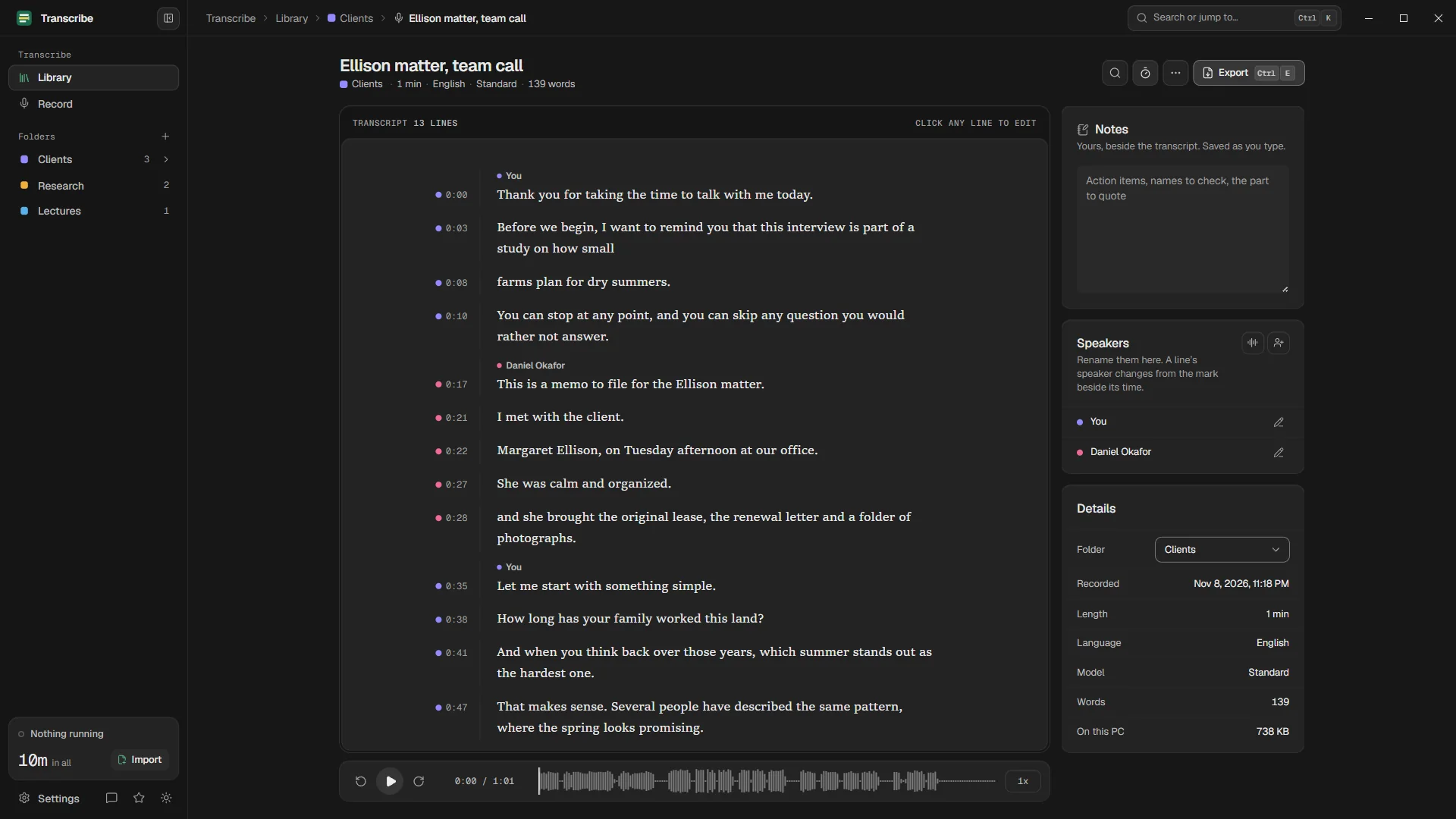
Unreleased episodes stay unreleased
Embargoed interviews, unannounced guests, sponsor reads not yet approved: an episode in production is confidential. Transcribing it on your own PC means no copy sits on a service's servers before you publish.
Tips for podcast audio
- Transcribe the final mix, not the raw tracks, so the transcript matches what listeners hear.
- Music beds and stings can confuse any model. Check the lines around them.
- Use the Accurate model for remote guests on weak connections.
- Keep the transcript after export: fix once, export again, and the text and subtitles stay in step.
Questions
Is it free for podcasters?
Transcribing with the Standard model and exporting text, SRT and VTT are free without limits. Pro adds speaker detection, the Accurate model without limits, Word and PDF, custom words and a queue.
Can I upload the SRT to YouTube?
Yes. YouTube accepts SRT and VTT subtitle files for your videos.
How long does an hour-long episode take?
On an ordinary laptop with integrated graphics, the Standard model needed about 3.5 minutes for an hour of audio. Benchmarks.
Your recordings stay on your PC.
Free to download. Transcribes without an account, without uploads and without the internet.
Coming soon to the Microsoft Store · Windows 10 and 11